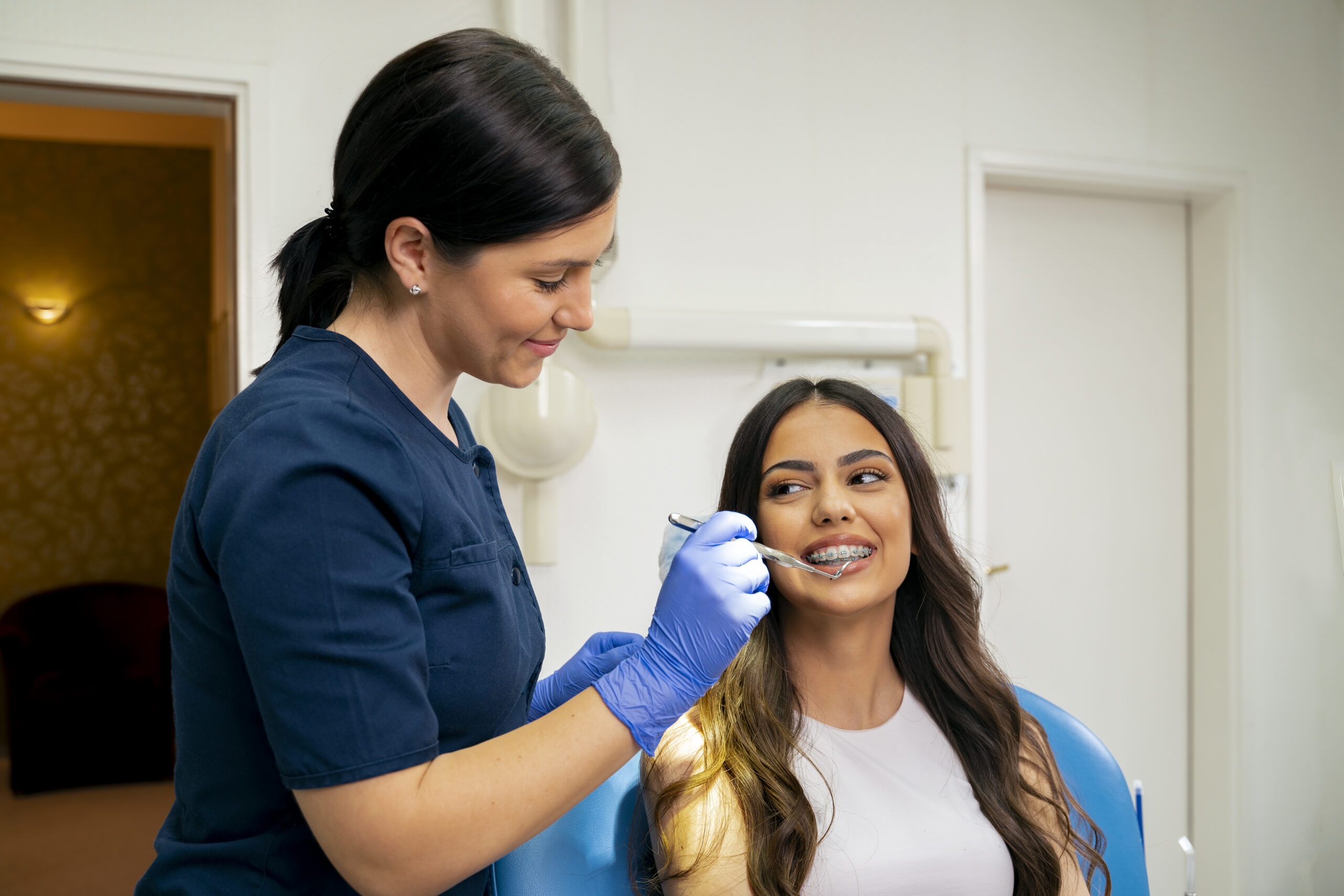
An iTero 3D scan is a handheld intraoral wand that captures images of your teeth and gums and builds them into a 3D model of your teeth and bite. There’s no putty, no trays, and no gagging involved. Right after the scan, Dr. Hamer and Dr. Glassick can view it on a monitor and begin planning your care right there with you in the room.
The iTero scanner is built to integrate directly with Invisalign treatment planning. That means the same digital file used to map your teeth also powers your aligner design and your smile preview, so nothing gets lost in translation between the chair and the lab.
At Hamer & Glassick Orthodontics, Dr. Hamer and Dr. Glassick use iTero digital scans for diagnosis, treatment planning, progress tracking, and retainer fabrication. It’s one of the biggest comfort upgrades in modern orthodontics, and it’s a regular part of how we work with you and your family.
How an iTero Digital Scan Works Step-by-Step
Getting a digital teeth scan is quick, comfortable, and honestly kind of fun to watch. Here’s exactly what happens during your appointment.
- You get comfortable in the chair. A team member places a fresh, disposable sleeve over the tip of the iTero wand for hygiene.
- The wand glides over your teeth. Your orthodontic assistant slowly moves the wand across your upper arch, then your lower arch, then captures your bite. The whole thing typically takes about 10 to 15 minutes.
- Thousands of images stitch together in real time. As the wand moves, the software builds a live 3D model on the monitor beside you. No waiting. No shipping impressions off to a lab.
- You see your teeth in 3D. You can watch the model rotate, zoom in, and show details you’ve never seen before. Many kids and teens think this part is the coolest.
- The file is sent digitally. Once the scan is complete, it’s transmitted instantly to the Invisalign lab, the retainer lab, or saved in your chart for Dr. Glassick and Dr. Hamer to review.
That’s it. No mess, no mold, no second tries because something slipped out of place.
Benefits of iTero Scans vs. Traditional Impressions
The old way of taking impressions involved a tray full of putty, a strong gag reflex, and several minutes of trying not to move. Digital scans changed everything. Here’s why so many patients love them.
Why Are Digital Scans More Comfortable?
- No gagging or mouthful of putty. The wand touches your teeth lightly, if at all. Nothing is pressed into your palate.
- Faster appointments. Most scans finish in about 10 to 15 minutes, and you’re free to talk, swallow, and take breaks whenever you need one.
- No radiation. The scanner uses safe optical imaging, not X-rays.
- Better communication. You can actually see what Dr. Hamer and Dr. Glassick are seeing. No guessing at what the model shows.
How Do Digital Scans Improve Accuracy and Results?
- Detailed models. iTero captures fine detail of your teeth and gums, which helps aligners, retainers, and appliances fit well the first time.
- Smile preview. Your scan can be used to show what your new smile could look like after treatment. You see the before and the projected after side-by-side. It’s a projection, not a guarantee.
- Reusable digital files. Your scan is stored securely, so if you need a replacement retainer or want to track changes over time, we don’t have to start from scratch.
For families with multiple kids, anyone with dental anxiety, or patients who’ve had rough experiences with putty impressions before, this technology is a genuine game-changer that makes the whole experience feel modern and respectful of your time.
iTero Digital Scan vs. Traditional Putty Impressions
Here’s how the two methods stack up side-by-side.
| Factor | iTero Digital Scan | Traditional Putty Impression |
|---|---|---|
| Comfort | Small wand glides over teeth | Full tray of putty held in mouth; often triggers gag reflex |
| Time per scan | About 10-15 minutes | 5-10 minutes plus set time |
| Accuracy | Detailed 3D digital model | Risk of distortion, bubbles, or pulls |
| Radiation | None | None |
| Turnaround | Sent digitally in seconds | Physical mold shipped to lab |
| Re-dos | Recapture one small area if needed | Start the entire impression over |
| Patient experience | You watch your 3D model build live | You wait with a tray in your mouth |
| Storage | Digital file saved in your chart | Physical mold takes up space and degrades |
For almost every case, digital wins on comfort, speed, and precision. That’s why practices using modern technology have moved away from goopy impressions for routine orthodontic work, and why most patients only need to experience a digital scan once to prefer it going forward.
Who Is a Good Candidate for an iTero Scan?
Almost everyone who needs orthodontic records is a great candidate for a digital scan. It’s especially helpful for:
- Patients with a strong gag reflex who dread the thought of putty trays
- Anyone with dental anxiety who wants a calmer, quicker appointment
- Children and teens who struggle to sit still with a mouthful of impression material
- New Invisalign and Invisalign Teen patients since the scan directly powers aligner design
- Patients needing retainers, expanders, or custom appliances where accuracy matters
- Adults considering orthodontics who want to preview results before deciding
- Returning patients who need a replacement retainer without starting from scratch
If you’ve been putting off orthodontics because of a bad impression experience in the past, this is your sign to look again. The tools have changed. So has the experience, and most people are pleasantly surprised at how different a modern first visit feels compared to what they remember from years ago.
Frequently Asked Questions About iTero 3D Scans
What is an iTero scanner used for?
An iTero scanner is used in orthodontics for Invisalign treatment planning, retainer and appliance fabrication, progress tracking between visits, and bite analysis. It replaces traditional putty impressions with a fast, accurate 3D digital model. Dr. Hamer and Dr. Glassick also use iTero to show patients a smile preview.
How long does an iTero scan take?
A full-mouth iTero scan typically takes about 10 to 15 minutes. The wand captures the upper arch, lower arch, and bite in sequence, and the 3D model builds in real time on the monitor. You can pause anytime to swallow, rest, or ask questions. Most patients are surprised how quick and easy it feels compared to what they expected.
Does an iTero scan hurt?
No. The iTero wand glides lightly over the surface of your teeth without any pressure, suction, or material pressed into your mouth. There’s no gagging, no numbness, and no recovery time. It’s one of the most comfortable parts of a modern orthodontic visit, which is why kids and anxious patients tend to prefer it over older methods.
Are there disadvantages to digital impressions?
The downsides are minimal. Digital scans require a relatively dry field and a steady hand from the operator, and very deep crown preparations can occasionally be tricky for general dentists. For orthodontic use at Hamer & Glassick Orthodontics, these limitations rarely come into play, and the accuracy and comfort benefits far outweigh them for the vast majority of cases.
What are the three types of dental impressions?
The three common types are alginate (a fast-setting powder mix used for study models), PVS putty (polyvinyl siloxane, used for more precise impressions), and digital intraoral scans like iTero. Digital scans have largely replaced the first two in modern orthodontic offices because they’re faster, cleaner, and more accurate for both diagnosis and lab work.
Is iTero safe?
Yes. The iTero scanner uses safe optical imaging technology, not X-rays, so there’s no radiation exposure during the scan. Each wand tip is covered with a fresh disposable sleeve for every patient, which keeps infection control standards high.
How can I see my own iTero scan?
If you’re curious about seeing your own teeth in high-definition 3D, most modern orthodontic offices, including Hamer & Glassick Orthodontics at our Charlottesville and Crozet offices, can show you your scan on the monitor when one is taken. The start is the most important part of understanding your options, and seeing your scan live on the monitor is often the moment things start to click.